Using Stable Diffusion, we can alter the style of an image while still leaving it recognizable as the original.
| Content | Style | Result |
|---|---|---|
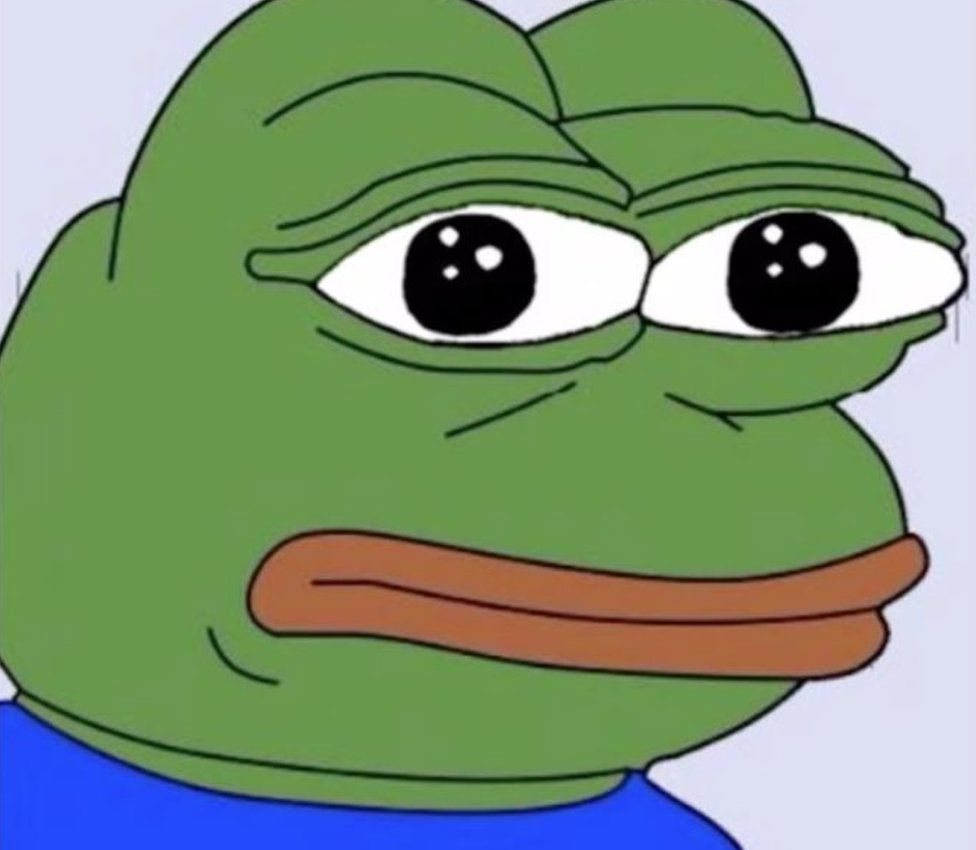 | ”a bowl of salad" | 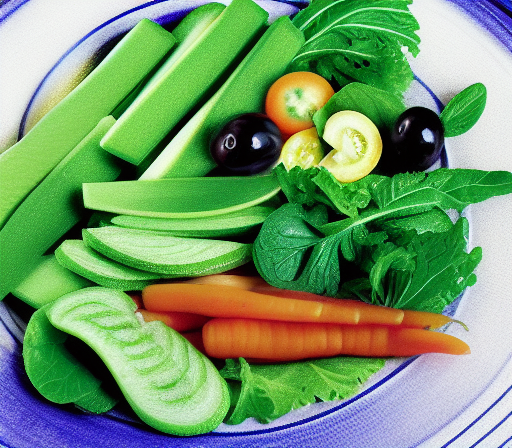 |
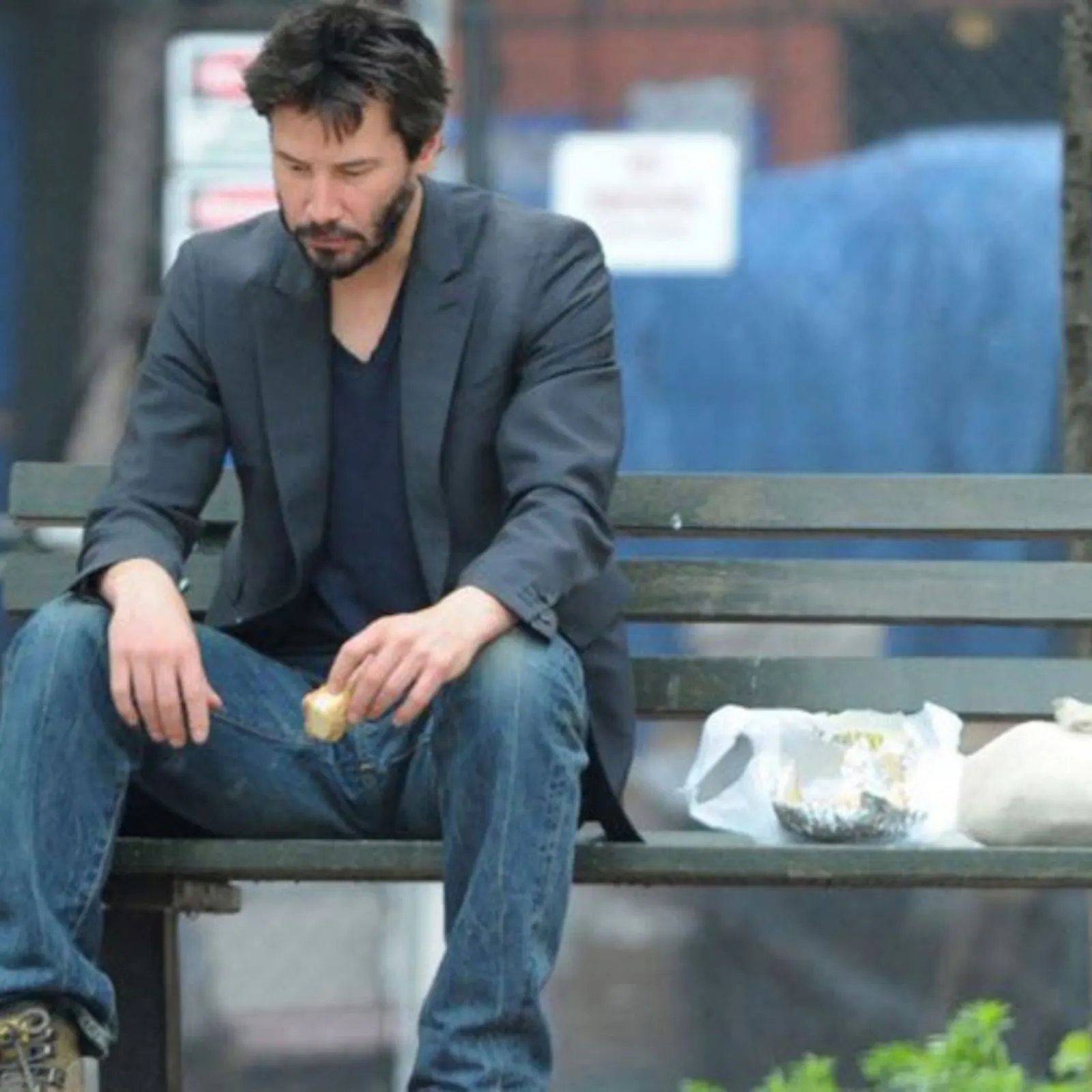 | "minimalist line art” | 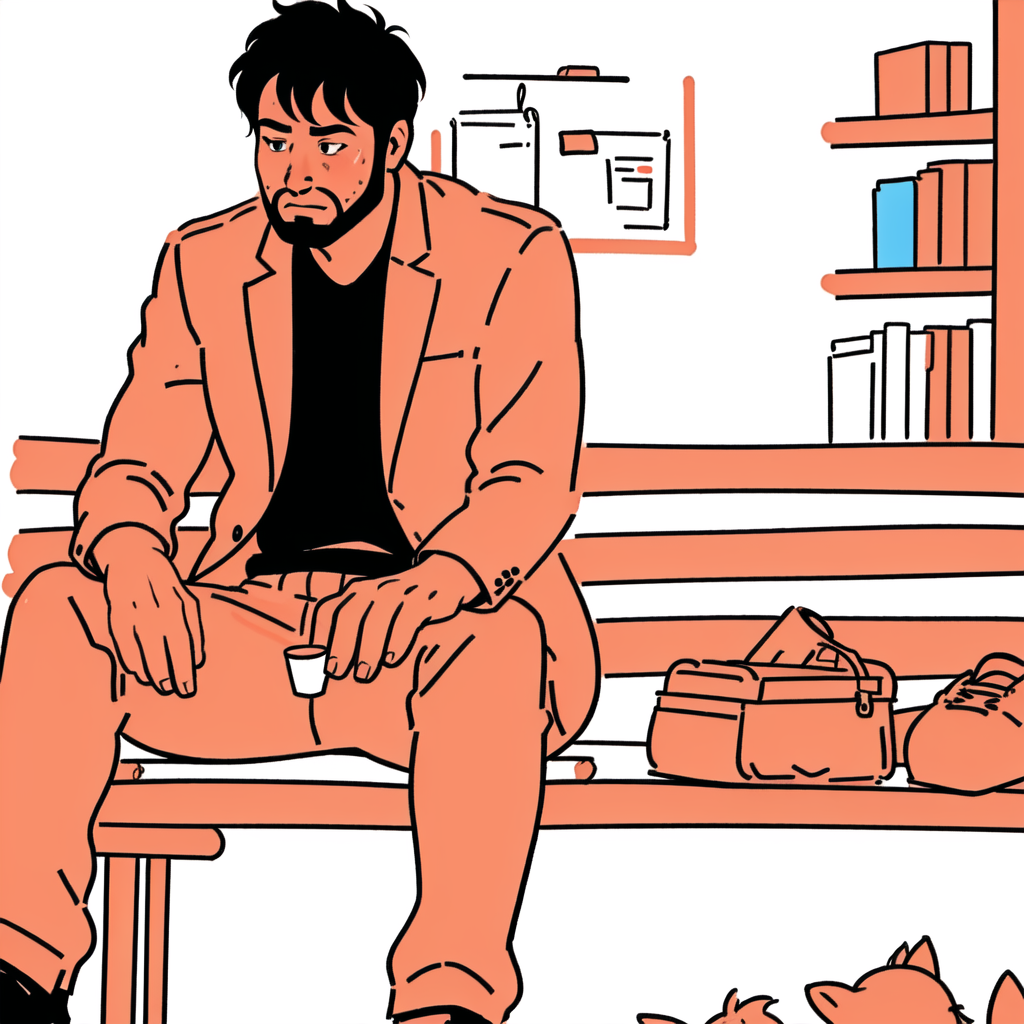 |
By using img2img, we can provide an inital image as a starting position. Then, providing a prompt and a low denoise value (~0.2) we can generate a batch of slightly altered pictures. Pick our favorite, send it back to img2img, and do it again until we have a result we like.
Denoise
Denoise (a value between 0 and 1) defines how much of the original image should be retained as we process a new picture. 1.0 gives us a completely new picture 0.0 gives us the exact same picture. A low value like 0.2 means only 20% of the pixels in the generated image should be new, and 80% should be the same.
To further improve these results, we can pair this technique with a few ControlNet models to help keep the silhouettes consistent.
Openpose helps keep the pose & face consistent Canny/Lineart/Depth help keep the structure consistent
Using a photo of myself, I used this technique with the Canny & Openpose models to get a consistent structure while providing a prompt that changed the style.
| Input Image | Style | Result |
|---|---|---|
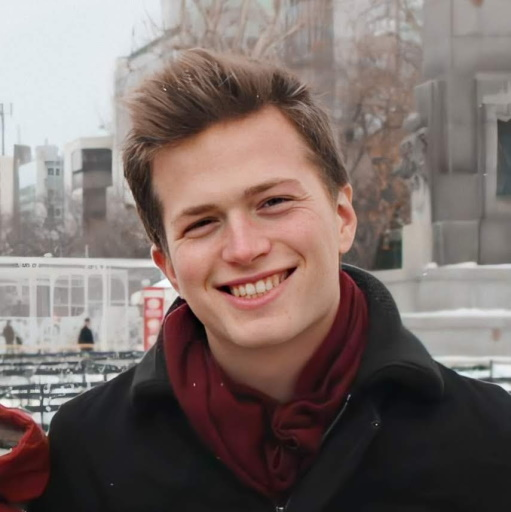 | ”Cyberpunk city, 4k Unreal Engine, […]" | 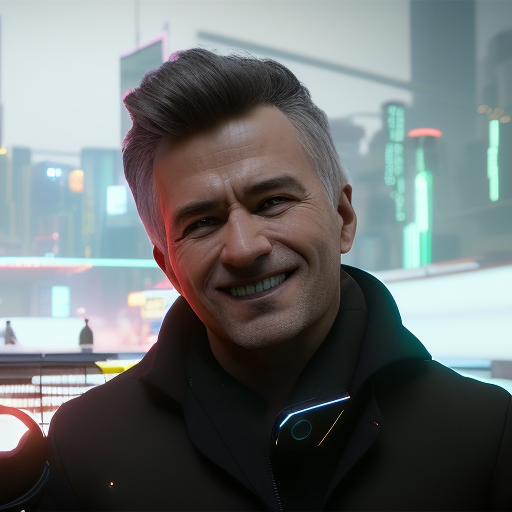 |
| "Norman Rockwell, Painting, […]” | 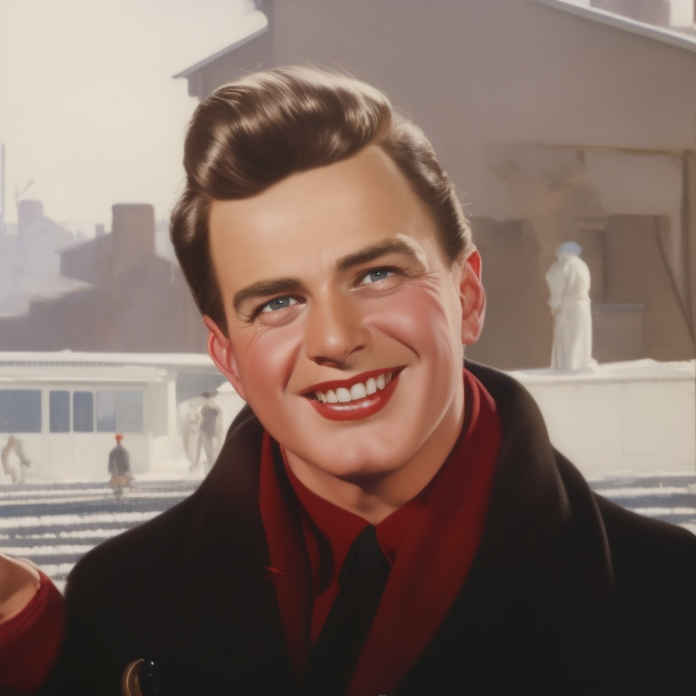 |